
Dallas County Warrant Searches May Lag Paid Entries
The Dallas County Wanted FAQ says a listing may take at least seven business days to disappear after full payment. That interval describes the county website’s removal process; it is not a court deadline for recalling a warrant.
Keep the receipt and ask the issuing court whether its case and warrant order are resolved. If a county-list entry remains after the court confirms payment, call the Sheriff’s Warrant Execution Section and ask what record or update is still pending.
See the official Dallas County Wanted FAQ for its current removal guidance.
How to Search for a Warrant in Dallas County
Begin with the Dallas County Wanted search if a county or Sheriff record may be involved. Search by name, ZIP, case, citation, plate or VIN, or demographic details. The site also has felony and misdemeanor case-search tools, but those are different from a complete active-warrant database.
Use the citation to identify whether a Dallas County JP, city Municipal Court, County Criminal Court, or felony District Court owns the case. Keep the person's full name and date of birth ready. When the portal does not answer, call the Sheriff’s warrant-information line at (214) 761-9026 or contact the court shown on the notice.
- Choose the likely court from the case or citation before using a county search.
- Try the case or citation number when a common name returns more than one result.
- Use a city or JP court portal for a local ticket, then check the county channel if another court may be involved.
- Call the Sheriff or issuing clerk to confirm the record and ask what action the court requires.
- Use DPS only for a reported FTA or FTP license hold; Texas has no public statewide warrant list.
Dallas County Warrant Search Modes Point to Different Records
The county Wanted interface separates search by name, ZIP code, case number, citation number, license plate or VIN, and demographic information. Its warrant-only and scofflaw-only filters narrow the display but do not make the result complete. “Scofflaw” refers to a vehicle-registration block for past-due money; it is not the same as an arrest warrant or bond.
For a closer look at court cases, start from the Dallas County record-search hub. The county’s criminal search asks for a last name and offers other fields, but some menus are not exposed in the accessible view. Do not guess at hidden menu values.
The official county hub shows where those case tools sit.
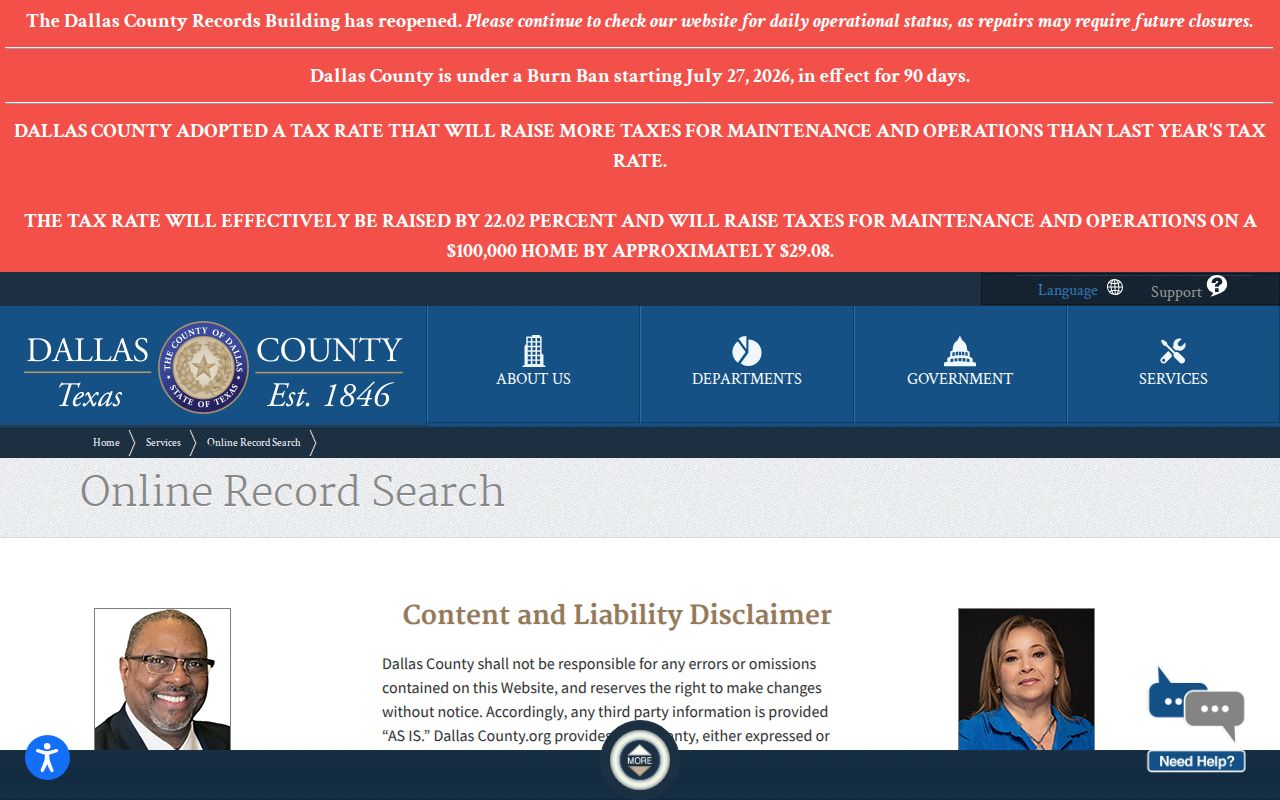
Case status can help identify the court, while the clerk remains the source for a warrant or signed order.
Dallas County Warrant Search Fields
Pick fields that match the record you have. A citation number belongs in the citation mode, while a cause number belongs in the case mode. Names can be misspelled or shared. Dallas County has no single public warrant-number format, and a set of filters cannot replace the issuing clerk's confirmation.
| Field Label | Type | Required | Notes |
|---|---|---|---|
| First and last name | Text | No | One search mode; compare any likely match with other identifiers. |
| ZIP code | Text | No | Separate location search mode. |
| Case or citation | Text | No | Enter the number in its own search mode. |
| Plate or VIN | Text | No | Separate vehicle identifier search mode. |
| Warrant / scofflaw / photo | Filter | No | Flags narrow results; they do not certify warrant status. |
Why a Dallas County Name Match Needs Another Identifier
A name-only match can point to the wrong file, especially when names are common or formatted differently. Compare the date of birth and the case or citation number with the person's notice. Dallas County’s Wanted service may show a warrant flag alongside an approximate delinquent balance, but it does not display a stable judge, bond type, and status schema for every record.
A blank result can also reflect an update delay, another city’s system, a juvenile or sealed record, or a different spelling. Never treat no result as proof that no warrant exists. The Sheriff’s published warning says the county list may not be current for legal purposes.
- Case number
- Identifies the underlying court file.
- Warrant number
- Identifies a particular warrant; it may differ from the case number.
- Balance
- Approximate delinquent money, not necessarily a bond.
What a Dallas County Warrant Search Returns
A Dallas County Wanted result may show a name, identifiers, a warrant indicator, scofflaw marker, and an approximate outstanding balance. The Top 50 list uses its own columns. Neither presentation is a full court order. A jail lookup, used only when a person is booked, may show charge, warrant number, bond amount, other holds, and when the bond figure was current.
| Warrant flag | A public indicator, not the signed warrant or complete status history. |
|---|---|
| Outstanding balance | Approximate delinquent money; do not read it as bond. |
| Case or citation | Use it to route the question to the issuing court. |
| Jail bond field | Available for custody records only and may change after a magistrate review. |
Dallas County’s Sheriff Line Is the Phone Fallback
The Sheriff FAQ gives (214) 761-9026 for warrant information. It is distinct from (214) 761-9025, the jail and inmate information line. Call the warrant number when a county or Sheriff entry needs clarification; the public guidance does not promise that the line confirms every city, JP, family, or federal warrant.
Have the legal name, date of birth, court, and citation or cause number ready. Ask which court issued the warrant, whether it remains active, which office controls recall or payment, and where an appearance should occur. Do not use dispatch or jail information as a substitute.
The Sheriff FAQ states the direct phone route.
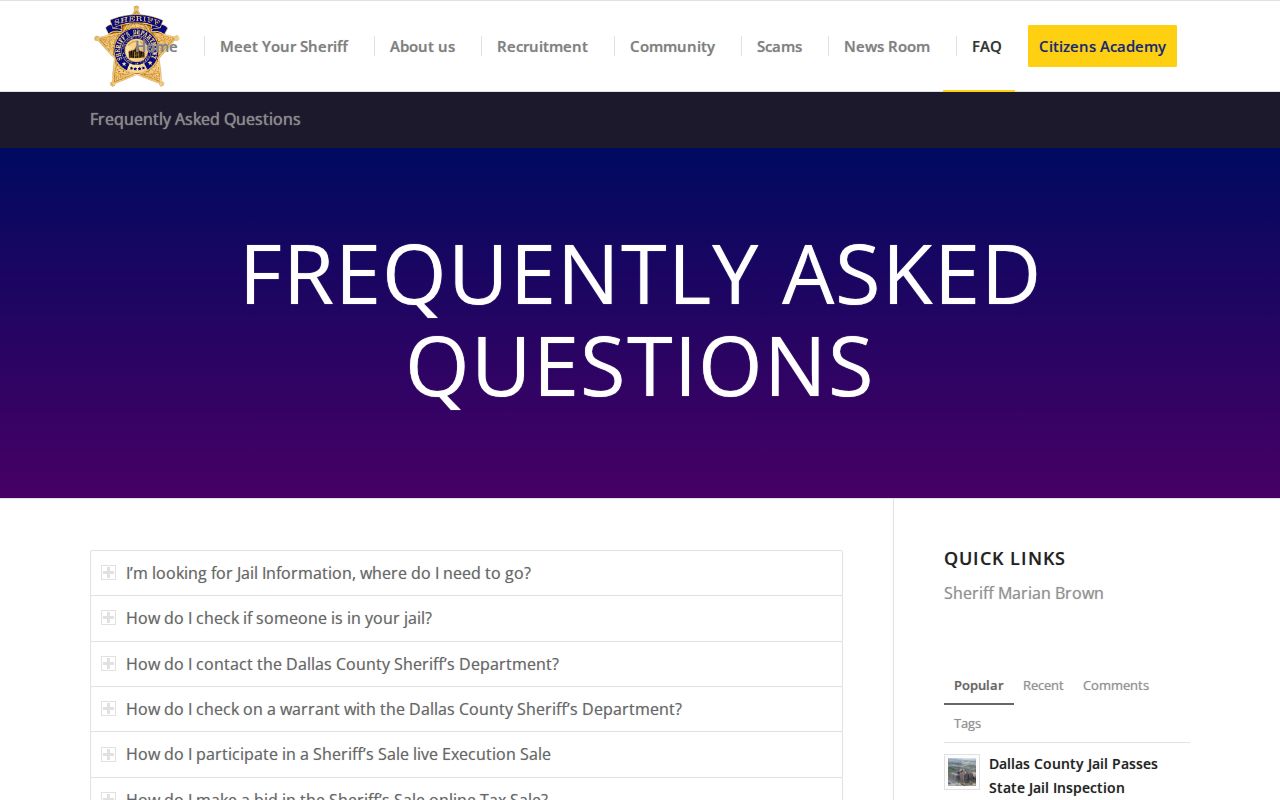
That contact resolves Sheriff-side questions and can direct a caller to the court that owns the case.
Where Dallas County Warrants Are Checked
The Sheriff’s Wanted search is one channel. Felony records route through the Dallas County District Clerk; county misdemeanor files go to the County Clerk; traffic and Class C citations belong to one of ten JP courts or a city court. A city police department may hold an arrest or service report, while the municipal clerk controls the citation case.
Texas has no single public statewide active-warrant search. DPS FTA/FTP and OmniBase report certain unpaid or missed citations for license renewal, but DPS cannot confirm a warrant. Ask each court that may have reported a citation, and use the JP directory to find the precinct on a county citation.
Dallas County maintains ten JP courts, so the precinct shown on a citation matters. The official directory of justice courts helps identify the right clerk.
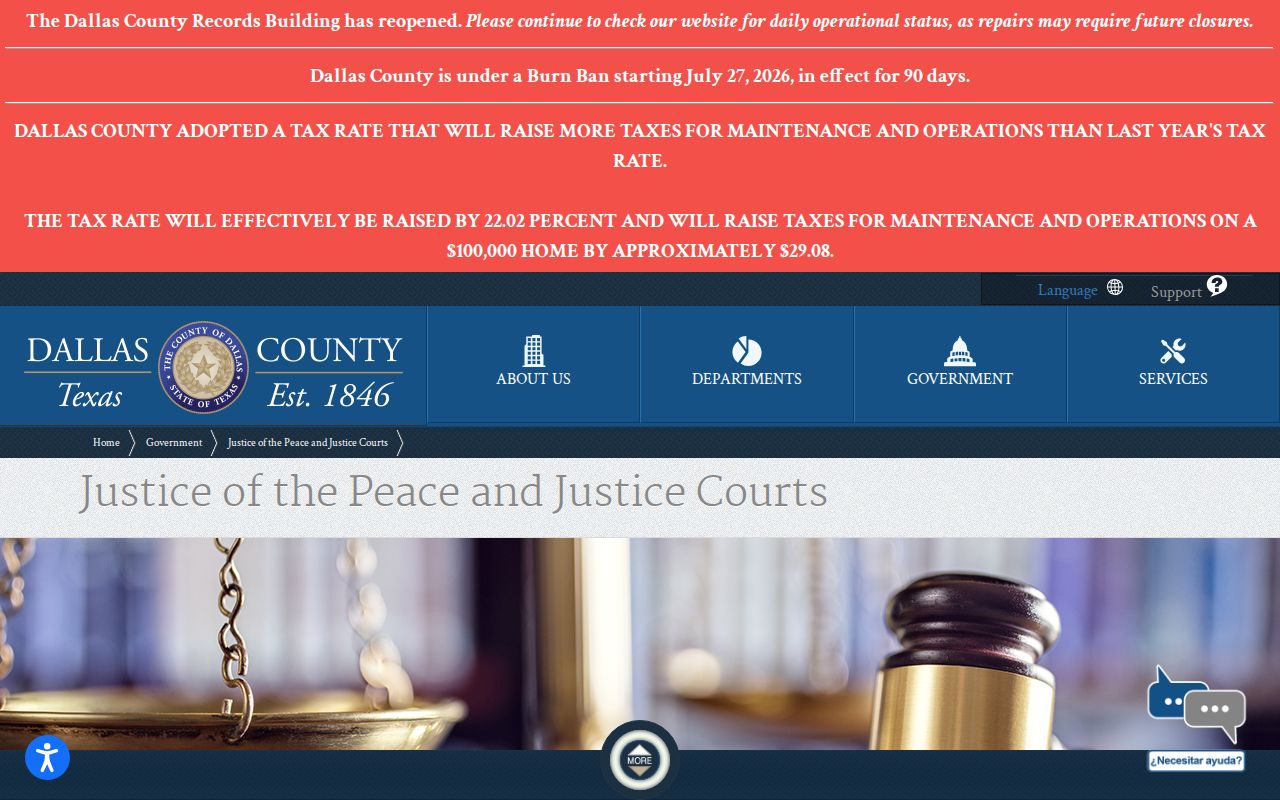
A JP result or no-result applies only to the court and citation being checked.
A Dallas County Records Request Can Reach a Silent Portal
When an online search leaves a gap, ask the office that holds the existing record. The Sheriff’s Public Information Request route accepts requests through GovQA, mail, or fax. Name the record type and give a date, case or citation number, and legal name. You may request electronic inspection first if copying cost is a concern.
A records request does not create a warrant confirmation or recall order. Active investigations, juvenile files, sealed records, and protected details may be withheld or redacted. If the response says a clerk holds the court file, send the request to that clerk instead of repeating a broad Sheriff request.
Use the Sheriff request instructions and the county GovQA portal.
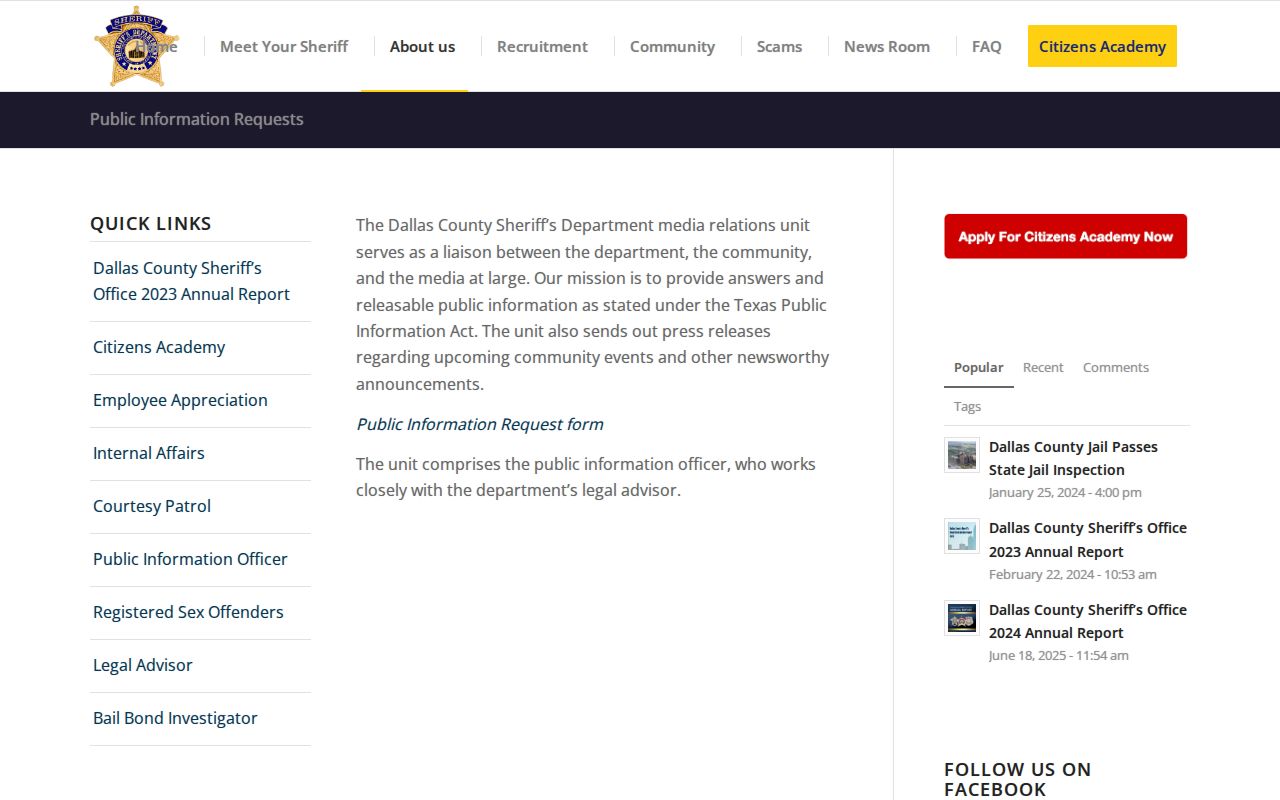
The form supports a focused records request, not an immediate court action.
Access and Restricted Warrants
Public access depends on the record and its stage. Texas law makes an executed arrest warrant and affidavit public, but active-investigation, sealed, juvenile, and protected mental-health material may be unavailable online or withheld from a request. The Texas Public Information Act governs many government records but does not require one merged Dallas County search portal.
Key Rules:
Chapter 552 permits some law-enforcement information to be withheld if release could interfere with an investigation.
Code of Criminal Procedure Article 15.26 addresses public access after an arrest warrant is executed.
Chapter 45A sets capias pro fine rules and confidentiality limits for qualifying juvenile matters.